Home → Workspace
The web portal
aico serve starts a loopback HTTP server and opens a browser client
against it. The important part is which of the two owns the run.
The server owns the run
Close the tab mid-turn and the work carries on. Reopen it and the session replays from its event log — real tool results, real sequence numbers, not a summary of what happened. That is only possible because the transcript is a log the server holds, rather than state the page was keeping.
It binds to 127.0.0.1 only, and every request carries a token minted at
startup. Reaching the port is not the same as being able to drive it, because this
server can run commands and edit files.
Chat and trajectory are one session
Two readings of the same log, not two copies. Tool calls render as cards with diffs and an outcome that means something:
- A browser check reads works or 3 problems, with the worst one inline.
- A persistent shell reports the directory it left you in — because a
cdthat did not take looks exactly like one that did, until something writes a file into the wrong place. - A backgrounded command reads running · pid 4321 rather than a misleading exit 0.
Panels that know when to stop talking
A plan and a task list float beside the conversation when there is one. Both collapse to a single line once resolved, and all done is never shown for a list finished by cancelling half of it — that reads 0 done · 5 cancelled, because conflating the two is how a task list becomes a formality.
Closing a panel records what was closed, so a genuinely new plan comes back on its own and the one you dismissed stays gone.
Steering
Type while the agent is working. The message is delivered at its next step boundary, not queued behind the whole run, and the turn is extended rather than cancelled — so everything it has already learned is kept.
❯ refactor the auth module
  ⋯ Read(src/auth.ts)
  ⋯ Edit(src/auth.ts)
actually keep the session cookie name unchanged
  (steering — applies at the next step)
  ⋯ Edit(src/auth.ts)
Queued input also stops the loop finishing: a model that was about to answer will continue instead. Both queues are durable, so anything typed before a crash is still owed when the session resumes.
Plan before you build
Turn Plan on and the turn cannot change anything — the write tools are gone, not discouraged. The agent investigates and finishes with a structured plan:
Plan   Create VERSION.txt with the version from package.json
  1  Write VERSION.txt containing "0.4.1"
     Create VERSION.txt in the repo root with the single line "0.4.1".
     VERSION.txt
  Risk: None.

[ Go ahead ] Amend Later Decline- Go ahead turns planning off and starts work — the mode change is part of the answer, not something you have to remember.
- Amend puts the plan in the composer, so a correction is a sentence rather than a re-brief.
- Later keeps it without starting it, and offers Start it now whenever you come back.
Assumptions appear above the steps, because an assumption you would have corrected costs a sentence now and a rewrite later — putting it beside the approve button is the same as not asking.
Watching what you delegated to
When a turn hands work to a sub-agent, the parent makes one call and waits — and everything interesting happens inside the child. A panel lists each one: what it was asked for, the tool it is inside now, how long it has run, how many calls it has made. Without that, a six-minute delegation and a six-minute hang look identical, which is how people end up stopping work that was going fine.
Each running sub-agent has its own Stop, because the common
failure is one child looping while three siblings are fine — and cancelling
the whole turn to deal with one is a bad trade. The agent doing the
delegating can do the same through AgentSupervise, which reports
what each child is spending and terminates one by id with a stated reason.
A stop is recorded as cancelled rather than failed: a crash
invites a retry, a termination invites a re-plan.
How much it asks, and how hard it thinks
Two controls on the composer, both per message rather than per session — because the message you are about to send is what you know something about.
| Approve | What it asks about |
|---|---|
| auto | Nothing, and this is the default — what every browser session has always done. |
| not edits | File writes go through; commands, fetches and delegation are put to you. |
| always | Every tool call waits for a decision. |
Terminal is deliberately absent from the middle mode's pass-through list. A
shell command can do everything a file write can and more, so "auto-accept edits" would
be a lie if it also ran commands. A prompt appears above the composer, quotes the tool
and shows a diff for an edit, and clears the moment it is answered.
Think offers what the model accepts and nothing when the model
is unknown — five settings that might each be refused would be worse than none. Each
provider is sent its own shape: output_config.effort for Anthropic,
reasoning_effort on OpenAI Chat, reasoning.effort on the
Responses API and OpenRouter, thinking.type for Z.AI.
auto means send nothing, which is not the same as "medium". For
several vendors it is adaptive per request; for others it is a fixed level the vendor
chose, and the button says which — Think auto·high on a provider whose
silent default is high. That single fact is the answer to "why did a one-line change
take so long", and it was invisible before.
When the conversation outgrows the model
The meter under the composer shows how much of the window the conversation occupies, and whether that figure is the vendor's or a guess. At 75% of it, older turns are folded into a summary — in the log, so the next request is built from the folded version — and the client says so: Compacted the conversation: 1,309 → 754 tokens, 1 older turn folded. The threshold and how many recent turns to keep are settings; a project can set its own.
The window itself comes from the provider when it reports one, from a built-in table
when it does not, and is assumed at 128K when nothing knows the model — the
meter marks that with a ?, because a bar drawn against a guess should not
look like one drawn against the vendor's figure. If you know better, click the
meter and type it: 1m, 128k, or the number. A figure
you set is never re-detected behind your back, and Forget hands it back.
Keeping a correction
Rate a reply ▼ and say why. Until now that note was stored and read by nothing. Remember this turns it into a knowledge entry — a trigger built from what you asked, and your note as the guidance — which the agent is shown on any later task whose wording matches. You see both fields before they are kept and can edit them; nothing is adopted because the agent decided it should be.
Entries are filed with the project by default. A convention is almost always about one codebase, and stored globally it follows you into repositories where it is wrong — a failure nobody can see from a transcript. Tick Every project when it genuinely is about you rather than the code.
Rewriting what you asked
Edit a message and send it again. The log is append-only, so the new message carries a marker naming the one it replaces and the transcript folds them back into a single row with arrows to move between versions. The earlier attempt — often the one that was right — stays reachable rather than being silently overwritten.
Forking a conversation
Branch from any message and carry on down a different path, with the original left intact. Cuts land on turn boundaries and never split a tool call from its result — every provider rejects a call with no result, so a fork that cut mid-turn would produce a session that cannot be resumed.
Sessions, projects and groups
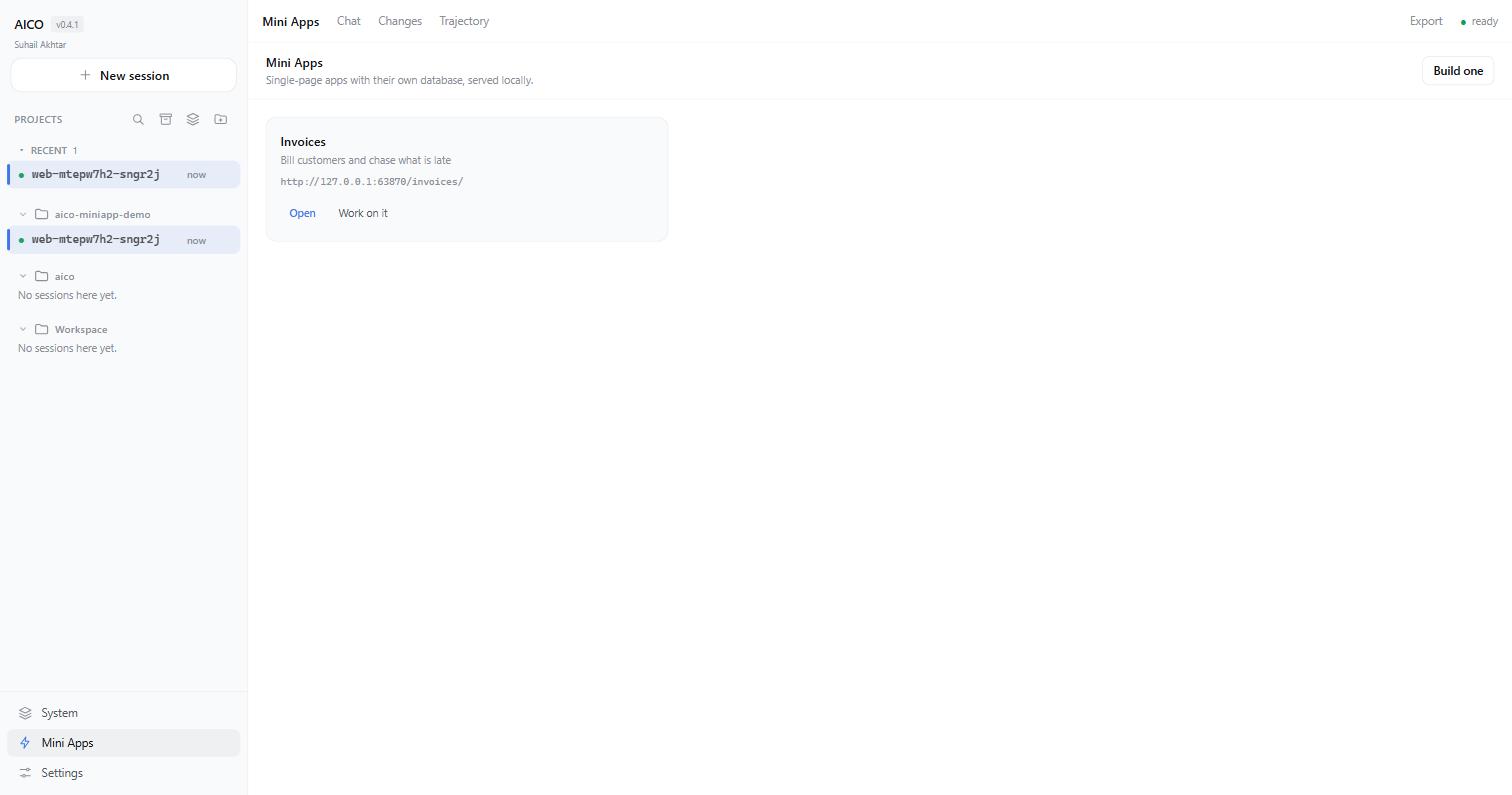
Sessions are named automatically and pinned by renaming — a name you did not choose that silently changes under you is disorienting, so a provisional one is marked as such. Projects group by directory; groups are yours to arrange, and a session is filed in one by dragging it onto the group's name. The search box matches project and group names as well as titles, the five most recent conversations sit above the folders, and what you fold stays folded across reloads. Apps, System and Settings are the three destinations at the foot of the column; the session's own tabs — Chat, Changes, Trajectory — appear only while a session is what you are looking at.
A folder or group you just made sorts to the top, not into the middle of a long list. Clicking one opens its own page — New session, its chats with search, and bulk archive or delete (a running chat is never deleted) — and makes it where new chats go; the sidebar says so under New session, and clearing it sends new chats back to the default workspace. Select mode removes several folders or groups at once.
A workspace page's git history is no longer read-only: a commit opens to its files and diff, a branch is one click away, Branch from here restores any commit as a new branch (the one you were on keeps everything), and Revert undoes a commit with a new one. Uncommitted changes block a switch or a revert rather than being carried along, and a revert that conflicts is cancelled with nothing changed. History is never rewritten.
Transcripts export as Markdown or text, backed by the log, so they include tool calls rather than only the prose. Settings — providers, permission mode, context and spend ceilings — are searchable across every pane.
Safety, in layers
| Layer | What it actually enforces |
|---|---|
| Permissions | Every mutating tool asks first, with a diff preview for edits |
| Bash classifier | Blocks rm -rf /, mkfs, curl | bash, writes to shell profiles, credential exfiltration, ~40 patterns |
| Plan mode | Read-only tools only — inherited by sub-agents |
| Sandbox (opt-in) | Full for aico's own file tools; partial for Bash and anything it spawns |
| Repeat guard | Catches a model looping on the same call; bookkeeping tools cannot launder the loop |
| Spend caps | Checked before every call; sub-agent spend counts |
The sandbox is defence in depth against a confused agent, not a jail. It stops a mistaken write; it does not stop deliberate evasion through a shell.